
The customer’s flow
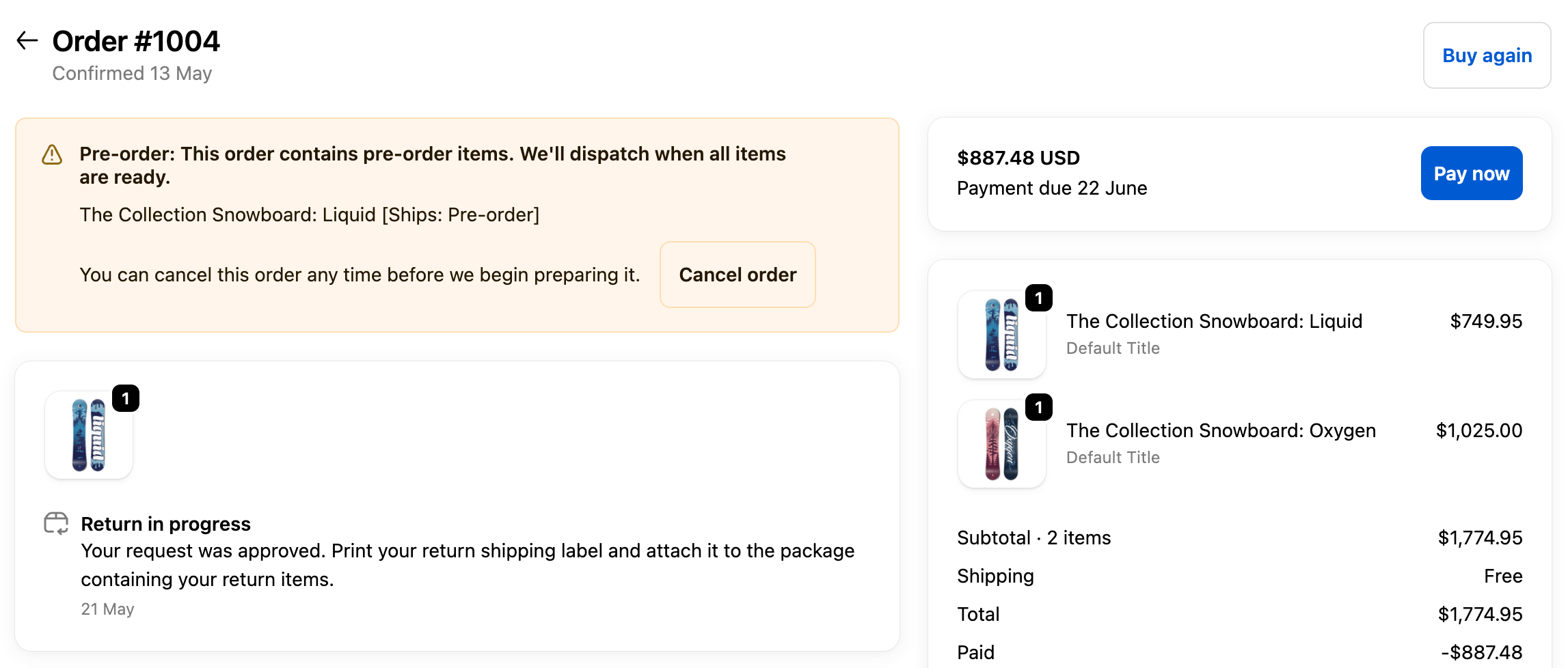
- Sees a notice on the order status page after purchase
- Clicks Cancel order in the Bloom pre-order block
- Confirms in a “Cancel this pre-order?” step
- Order is cancelled and refunded through Shopify automatically
Where the message appears
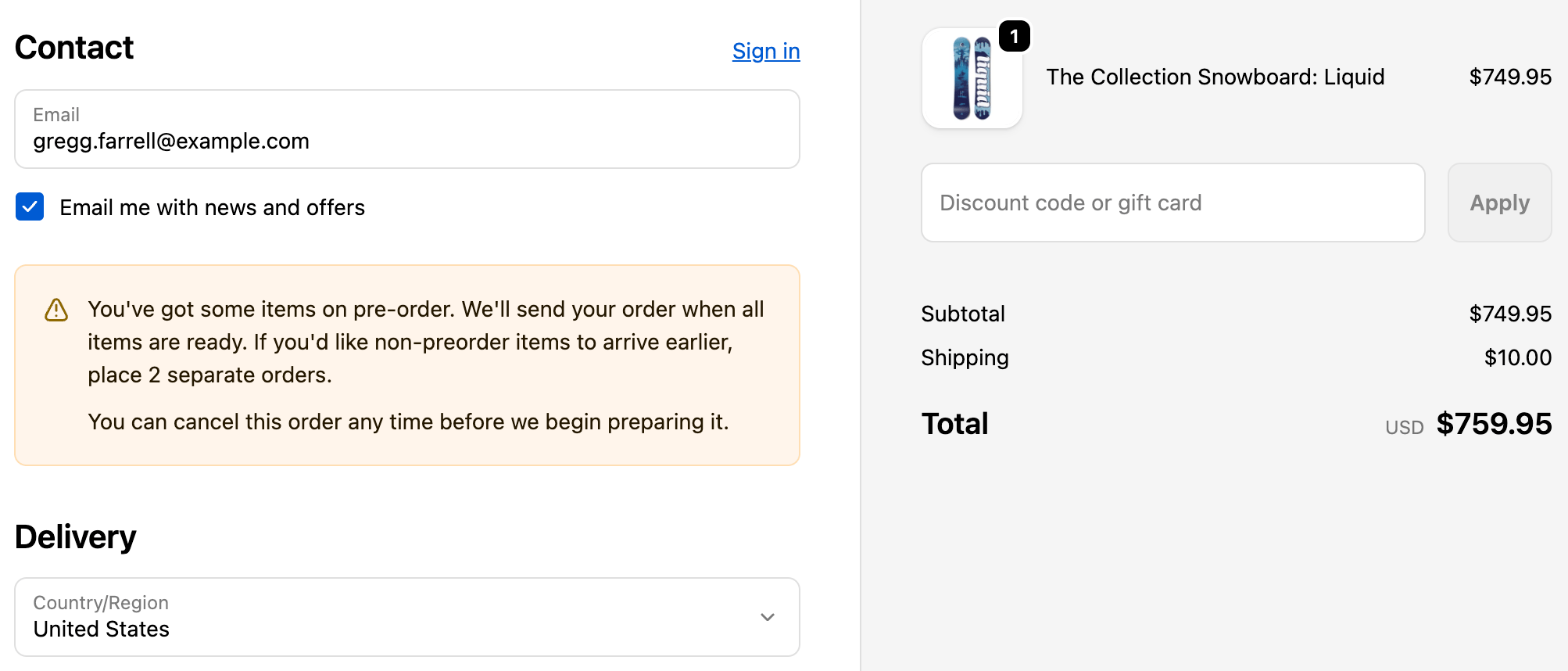
The line “You can cancel this order any time before we begin preparing it.” shows in three places. The Cancel order button itself only lives on the order status page:- Checkout (Shopify Plus) - the line shows in the pre-order banner.
- Order confirmation email - the line shows alongside the pre-order notice, with a link to the order status page where the customer cancels.
- Order status page - shows the line and the Cancel order button.
Edit the button label, confirmation and policy copy under Apps → Bloom → Pre-order → Content → Cancellation.
When it’s available
Customers can cancel until you mark the order In progress or fulfilment begins. After that, the option disappears and they’ll need to contact you.Customers must be logged in to their store account to cancel.