> ## Documentation Index
> Fetch the complete documentation index at: https://help.goodnative.co/llms.txt
> Use this file to discover all available pages before exploring further.
# Notify Me sign-ups in Klaviyo
> View Notify Me sign-ups per Shopify variant in Klaviyo's Back in Stock Reports, subscribe to rollups, and schedule recurring reports for your team.
Notify Me sign-ups are stored in Klaviyo. Use Klaviyo's reporting to see how many shoppers have signed up per variant, and to confirm individual customers are on the list.
## Monitor sign-ups per product
1. In Klaviyo, go to **Content → Products**.
2. In the top right, click **Back in Stock Reports**.
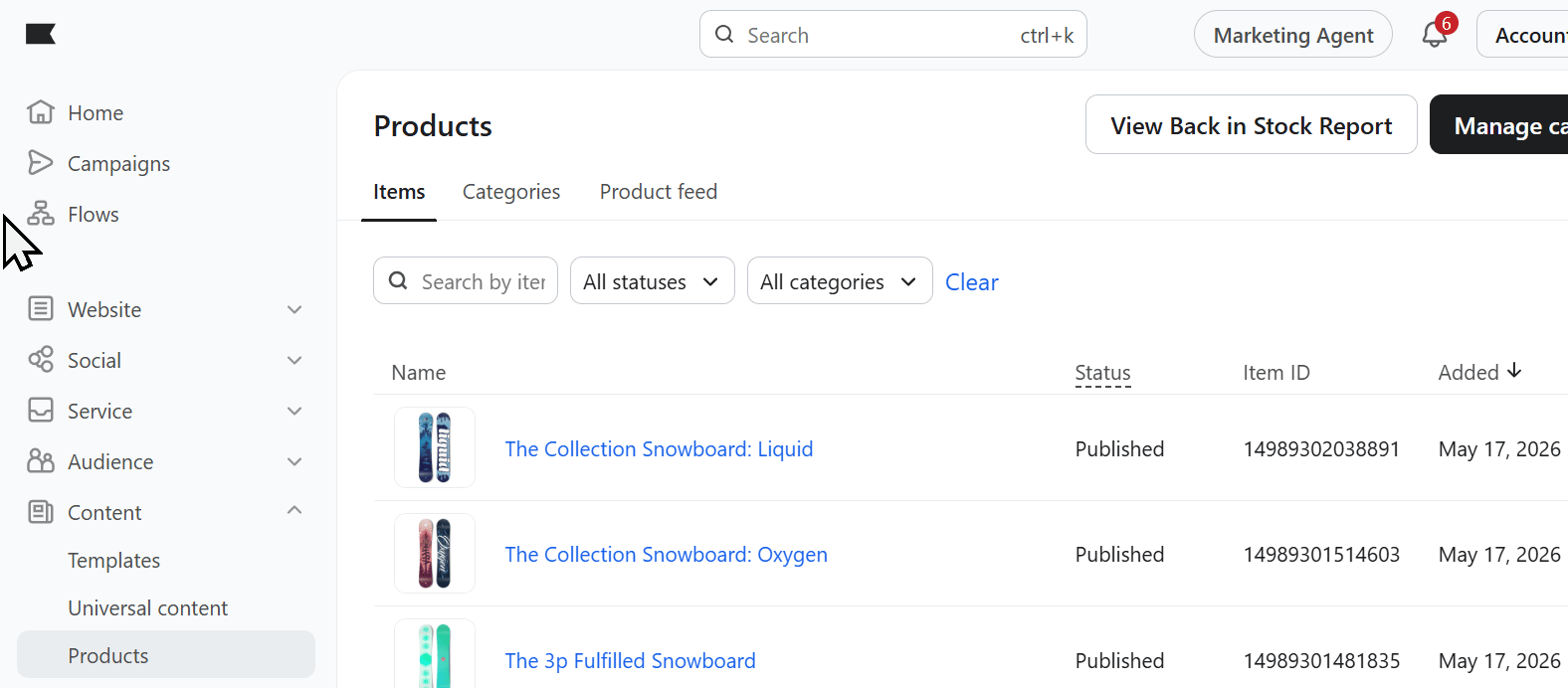 Each variant shows the number of people in the queue and being sent the flow.
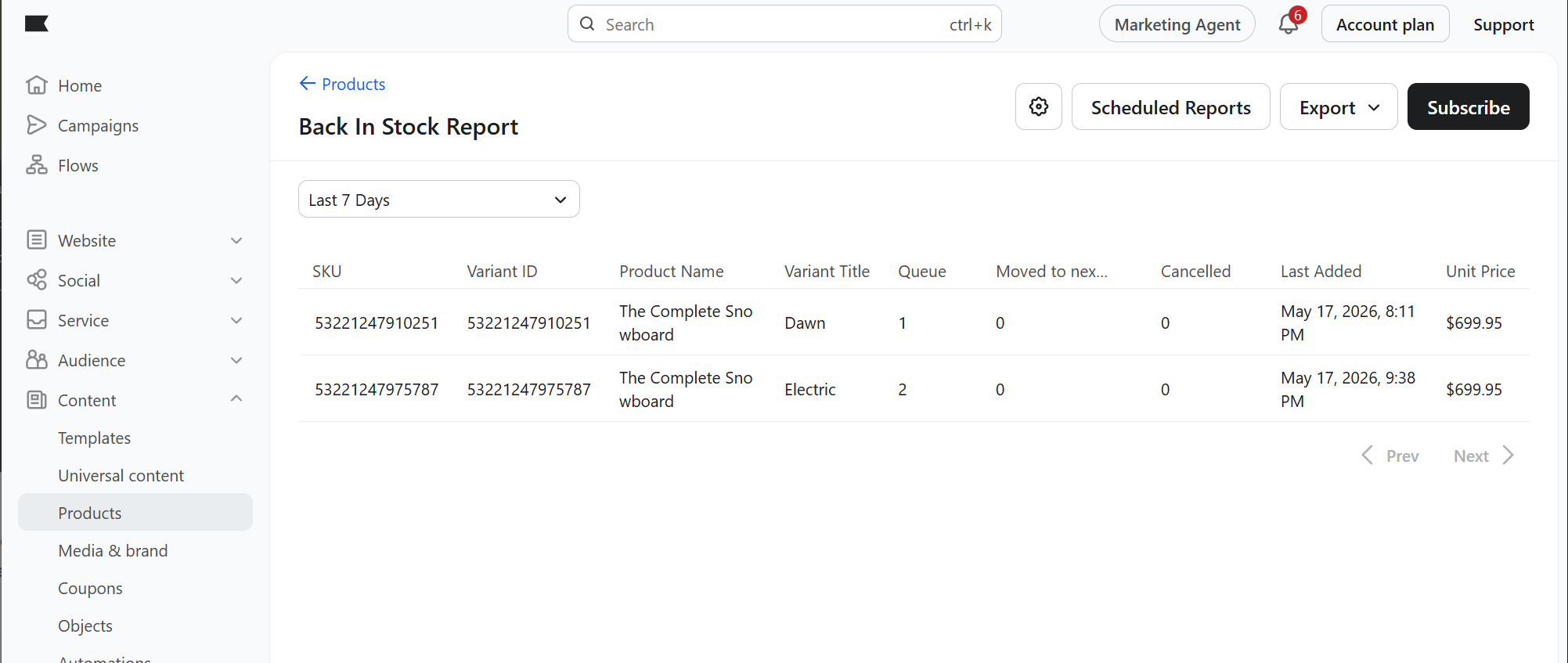 To get regular updates, click **Subscribe** for a rollup report on all Notify Me sign-ups.
For a recurring report, click **Schedule Reports** in the top right.
## Confirm individual customer sign-ups
1. In Klaviyo, go to **Metrics** and search for *Back*.
2. Click **Subscribed to Back in stock**.
To get regular updates, click **Subscribe** for a rollup report on all Notify Me sign-ups.
For a recurring report, click **Schedule Reports** in the top right.
## Confirm individual customer sign-ups
1. In Klaviyo, go to **Metrics** and search for *Back*.
2. Click **Subscribed to Back in stock**.
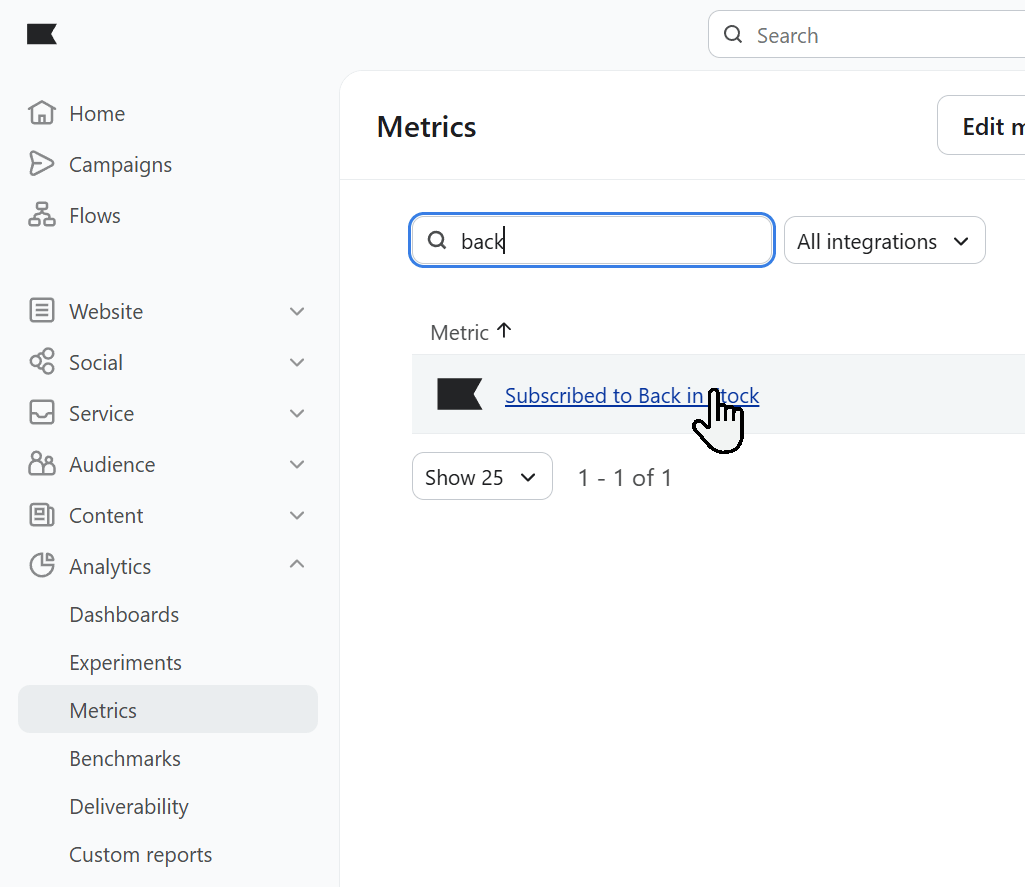 You'll see data about your Back in Stock sign-ups.
Click **Activity Feed** to see who has recently signed up.
You'll see data about your Back in Stock sign-ups.
Click **Activity Feed** to see who has recently signed up.
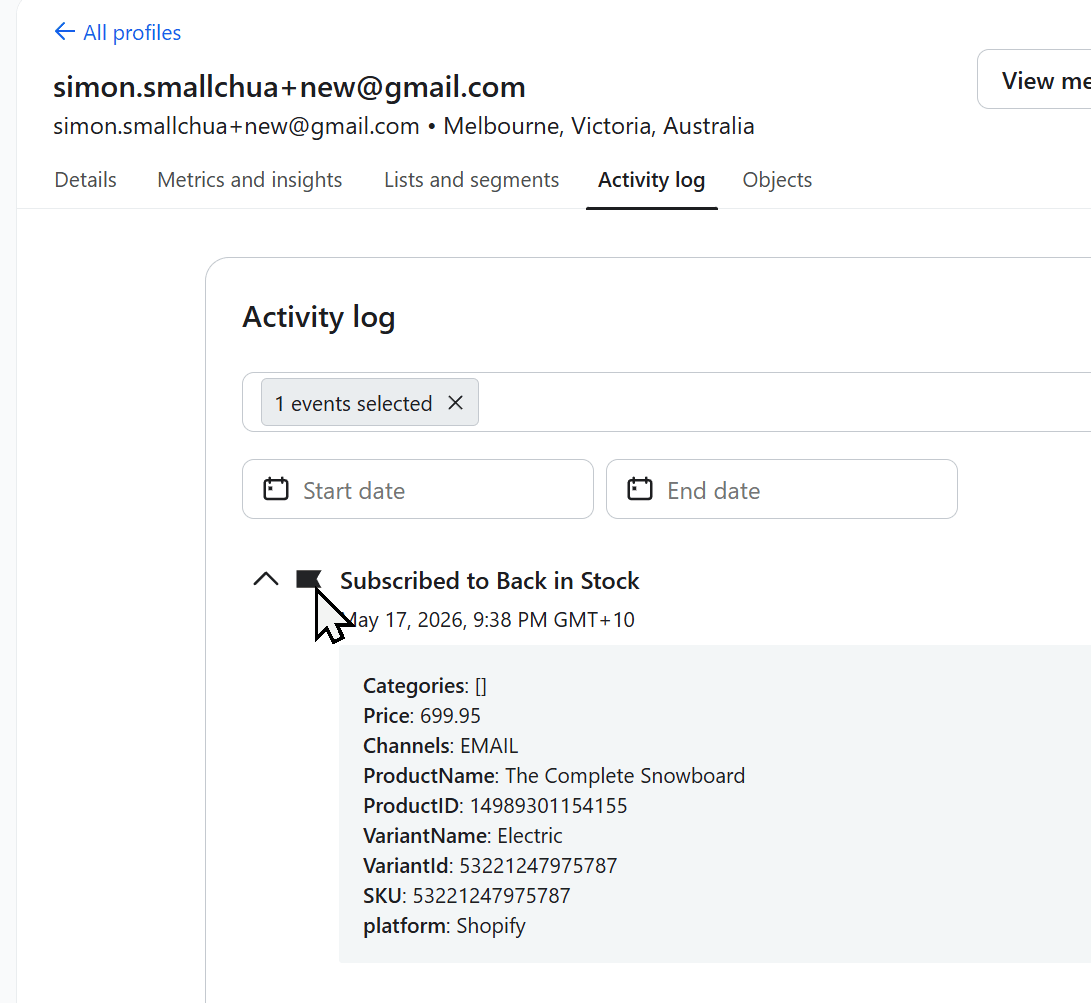
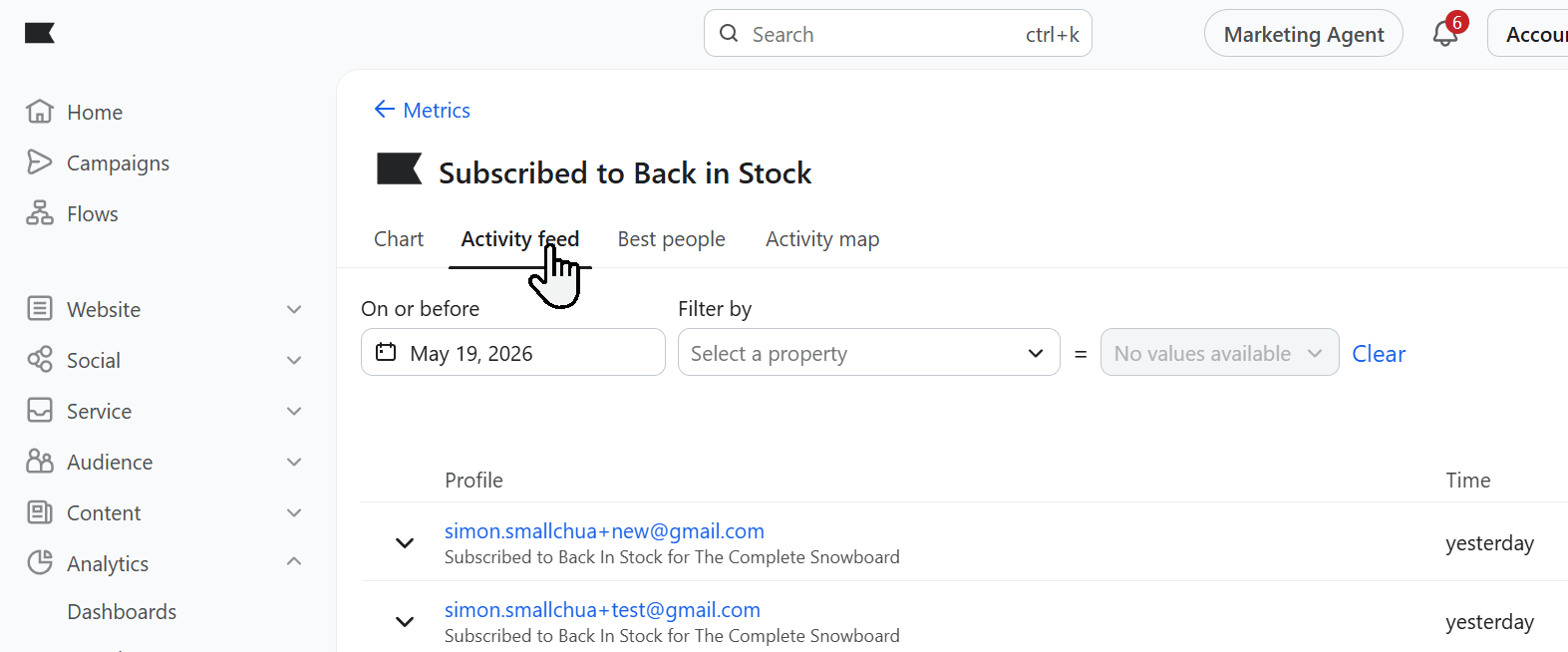 In that feed, or on the customer's profile, expand the event to see details about their sign-up.